Try Carrom Pool — Angle trainer, base line, Queen and back shots now, no sign-up needed
Carrom Pool — Angle trainer, base line, Queen and back shots · Stop hunting the angle blind on your base line
Set up the position you have on your phone and the app tells you where to place the striker, with how much margin, what cut angle comes out, whether the striker will run into your own pocket and which disc you'll cover the Queen with. Exact geometry, solved on your position and always outside the match.
In the features that use AI, responses are generated by artificial intelligence and are not a substitute for professional advice.
How many afternoons have you spent fighting old websites to get a file the game will actually accept?
Niche tools are scattered, single-purpose and give you something close to what you asked for. Here format rules: the skin is a 64x64 atlas with fixed cells, the server icon is an exact 64x64 PNG, the banner is a base color plus up to 6 layers from a closed catalogue, and a circle of diameter N is geometry. All of that is calculated and measured: the PNG is re-read and checked to be 64x64 before delivery, the segments of each layer add up exactly to the blocks in the layer, and the MOTD is measured in real game pixels, not characters.
See the tools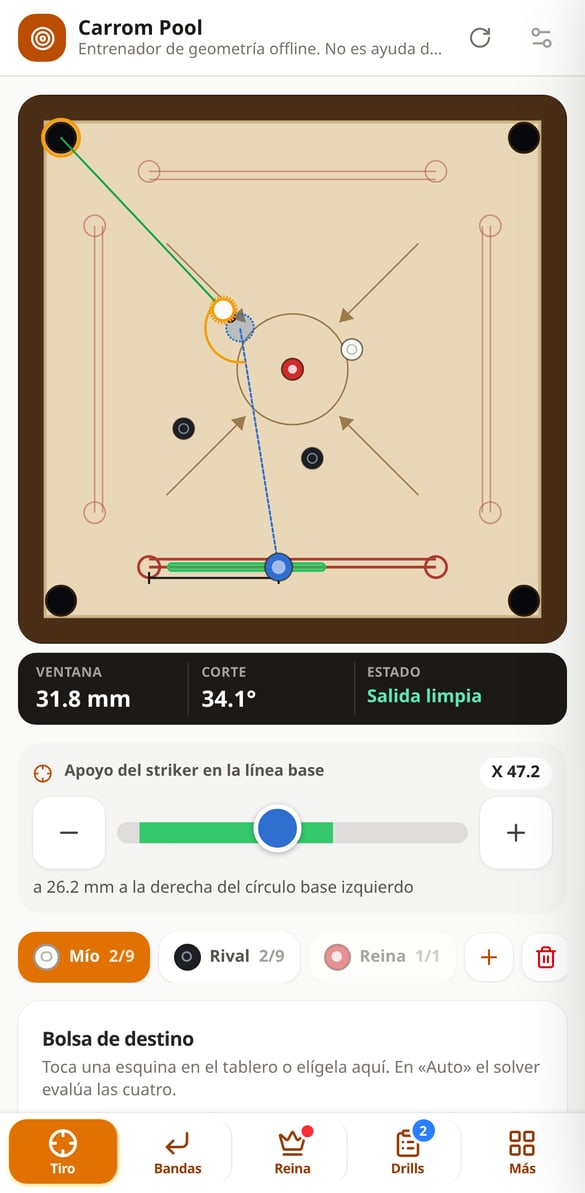
Discover every feature in detail
Where to Place the Striker in Carrom Pool: Baseline Window
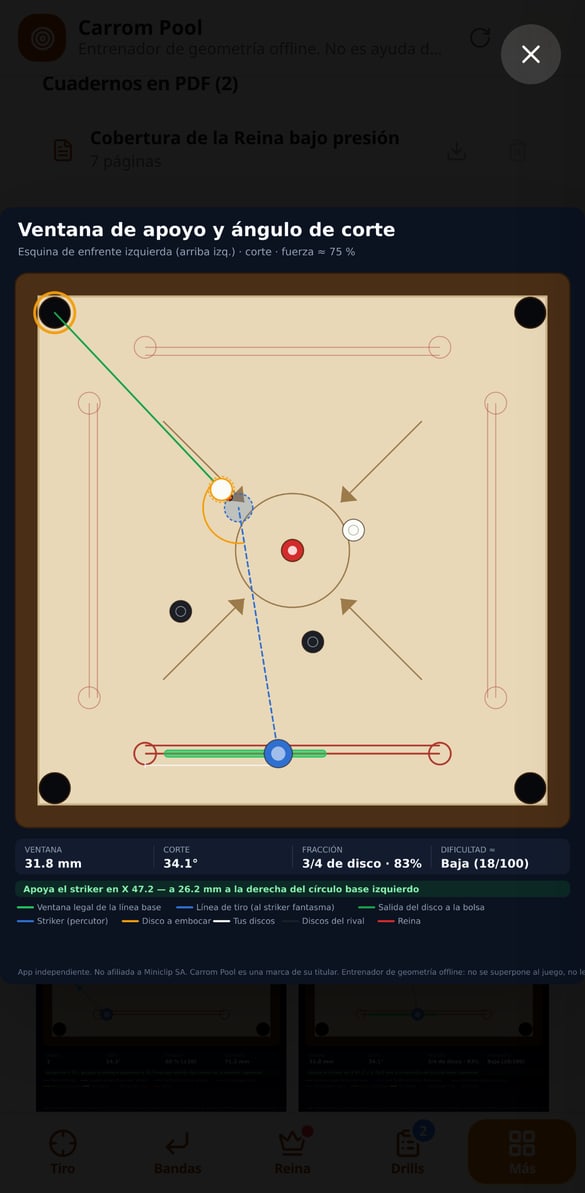
Scans all 200 positions on your baseline and tells you which ones pocket the carrom man, what the best striker placement is, and how many millimeters of margin you have. Free and no account needed.
Try it free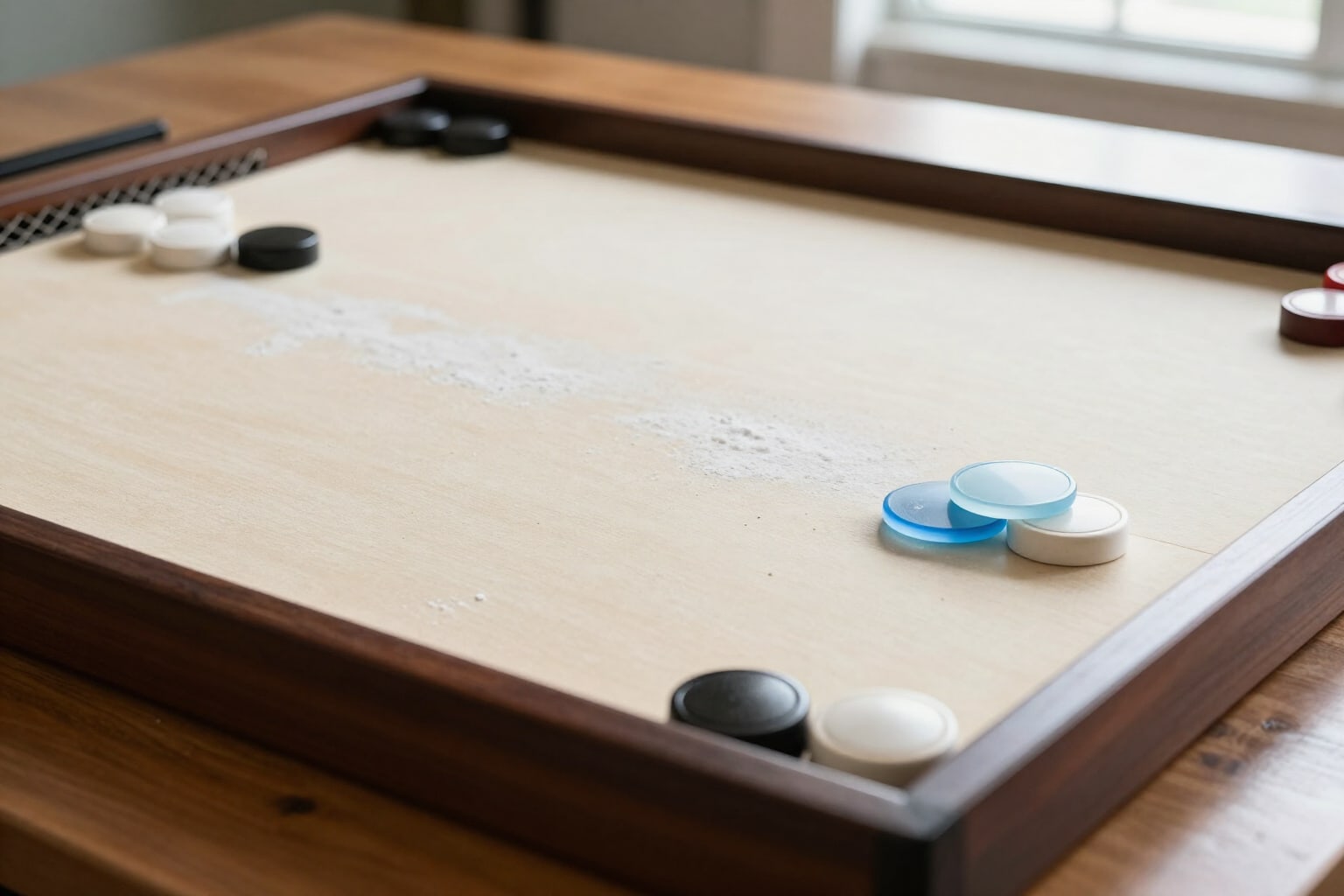
Carrom Pool Cut Angle: Ghost Striker and Disc Fraction
Calculate the ghost striker, contact point, cut degrees, and disc fraction (full, 3/4, 1/2, 1/4, edge) of your carrom shot. Free and no account needed.
Try it free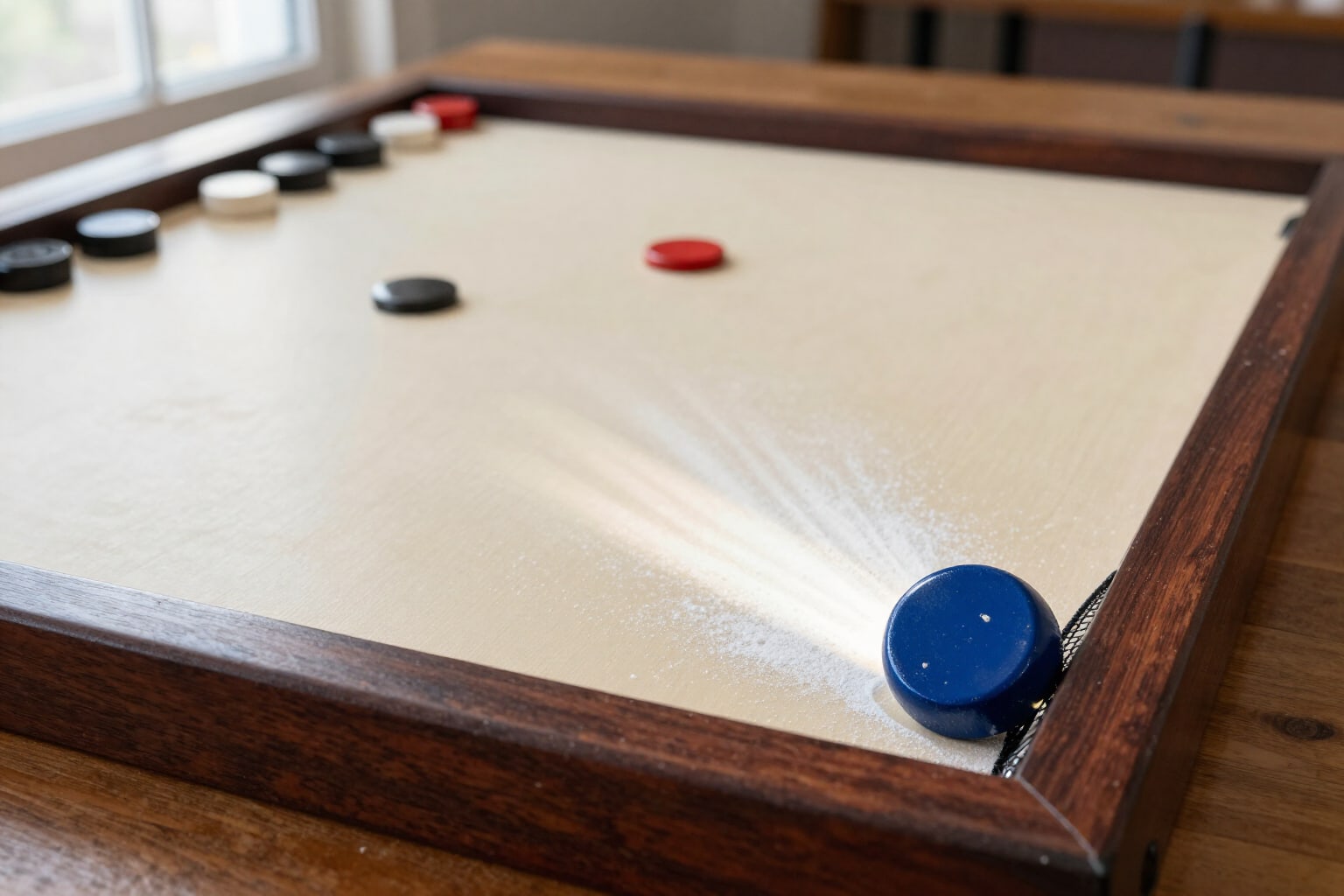
Striker Due in Carrom Pool: Due Warning and Safe Striker Placement
Check before shooting if the striker ends up in the pocket: ±8° risk cone, dangerous pocket marked, and striker placement correction in one tap. Free and no account needed.
Try it free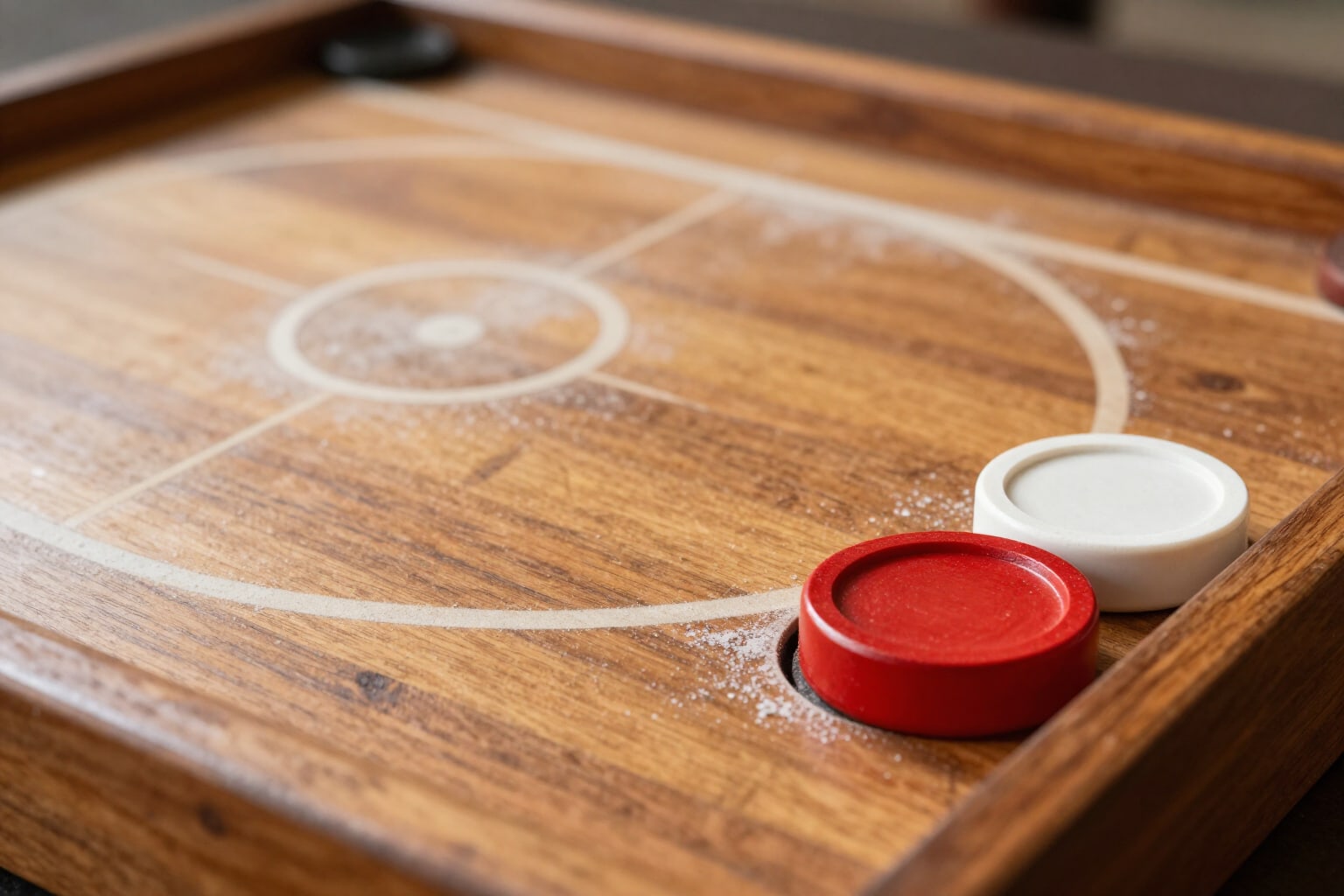
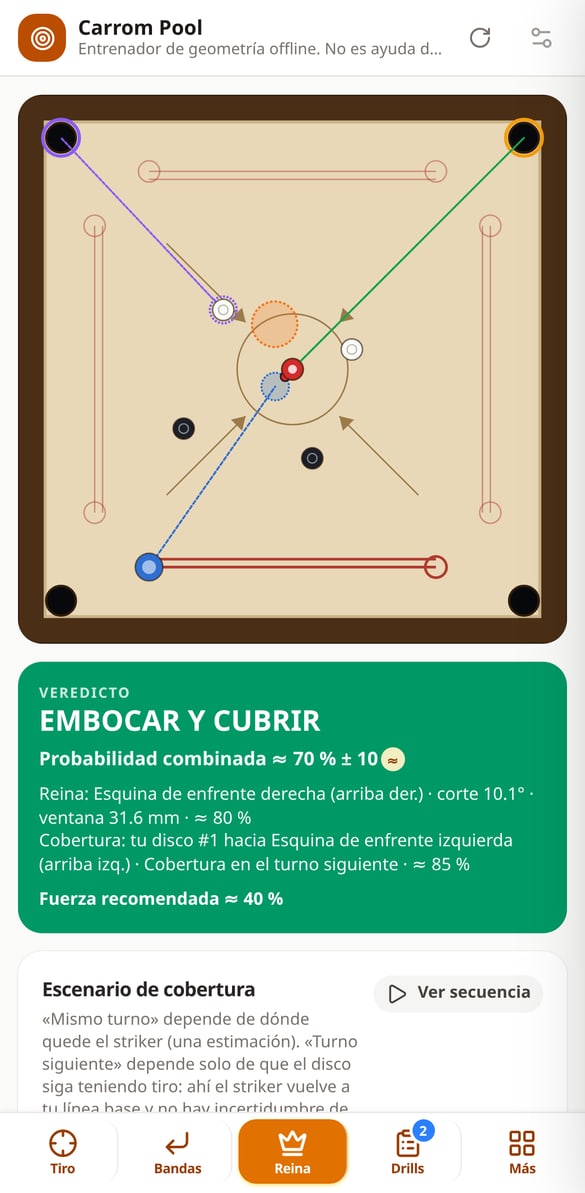
Covering the Queen in Carrom Pool: when to pot it and with which carrom man
Calculate the complete Queen shot: shot, covering carrom man, combined probability, and traffic light verdict. Same turn or the next. Free, no account.
Try it free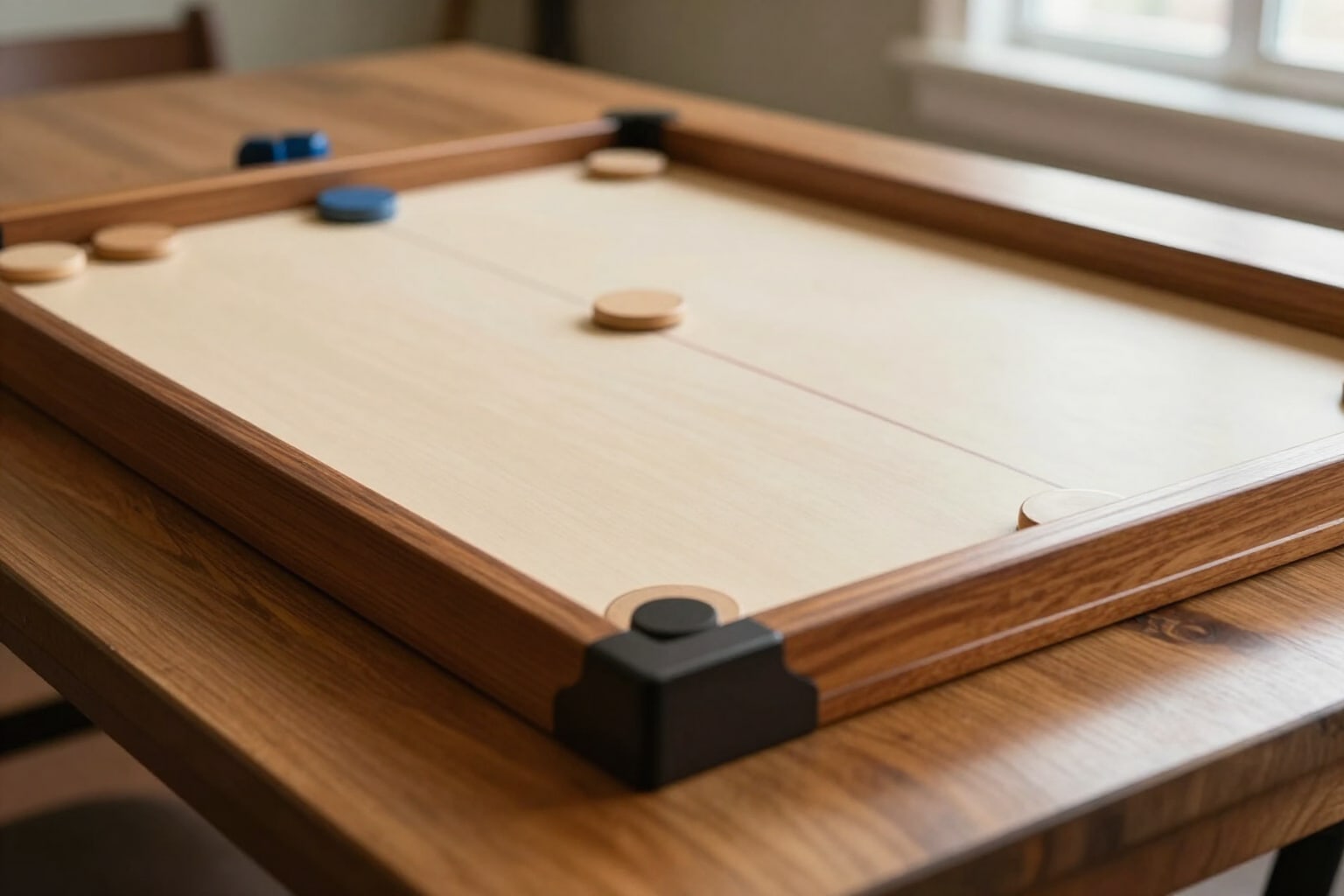
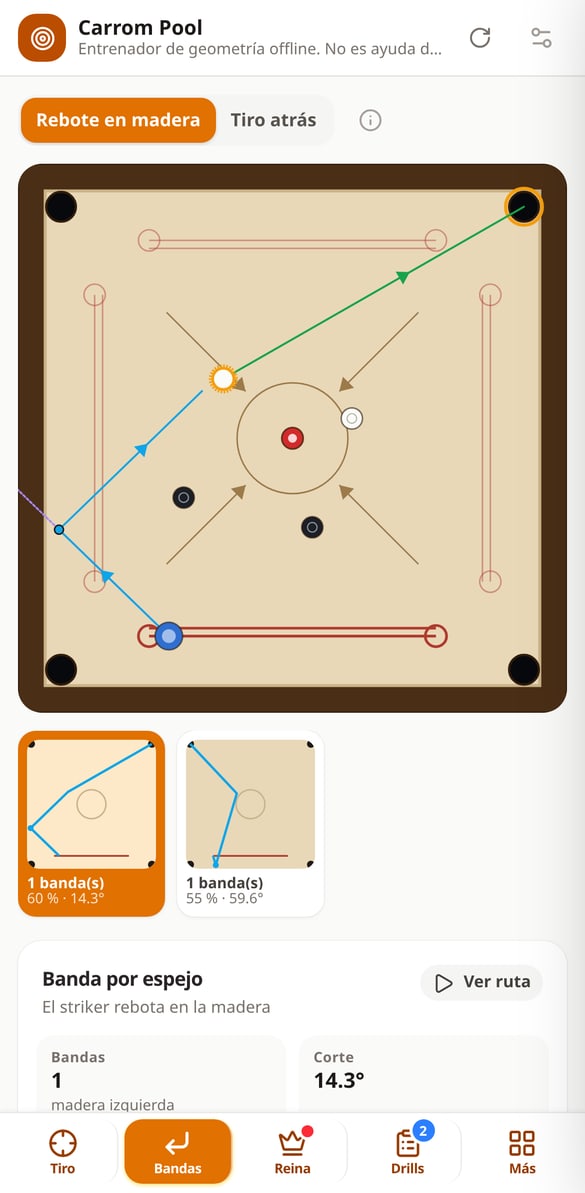
Cushion Shots in Carrom Pool: calculate the board shot and power
One and two-cushion shot calculator for Carrom Pool: impact point using the mirror method, baseline support, and power percentage with 18% loss. Free.
Try it free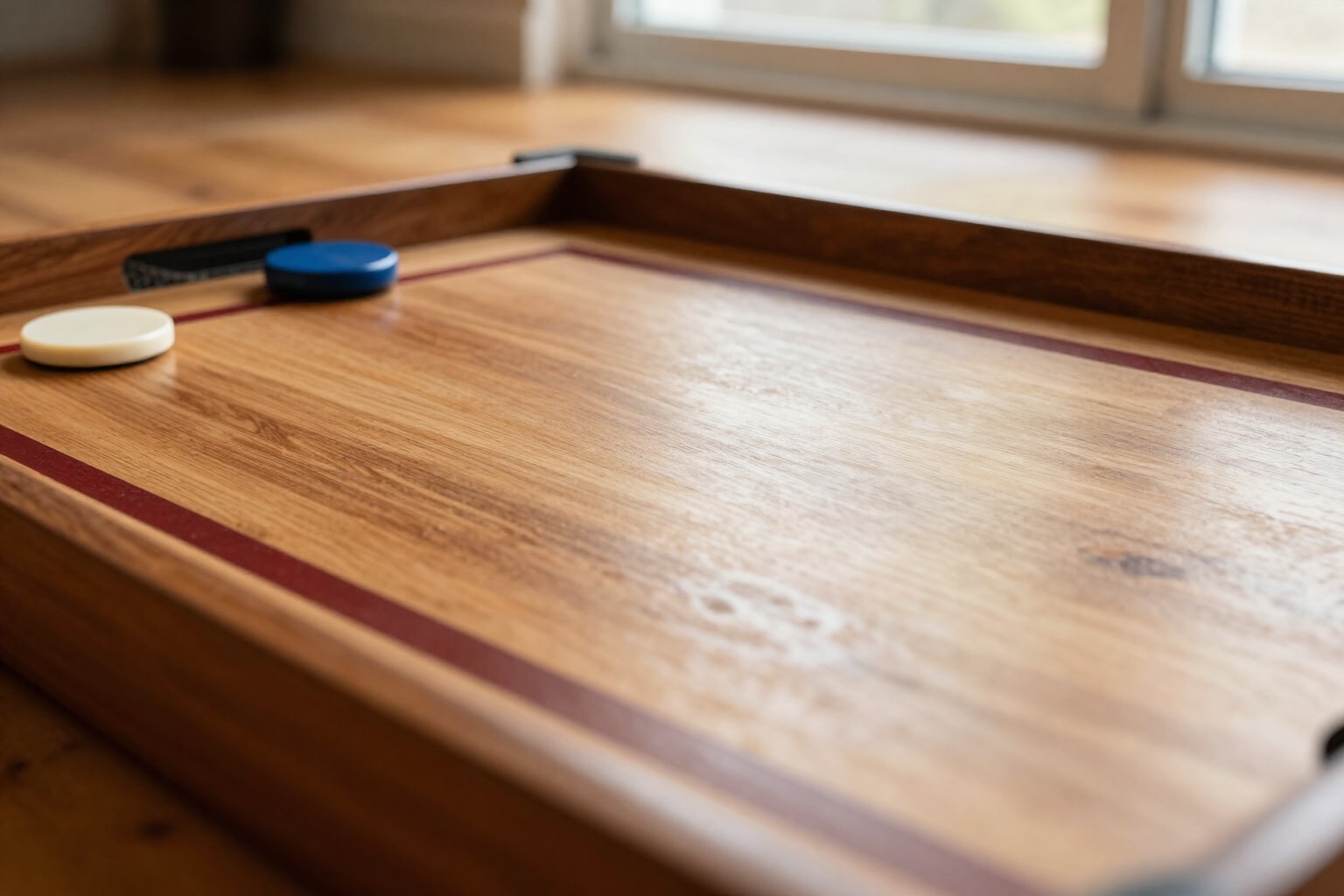
Carrom Pool Back Shot: Calculate the Lagging Disc’s Shot
Carrom Pool back shot calculator: direct path or rail bounce, base line support, cut angle, % power, and foul warning. Free.
Try it free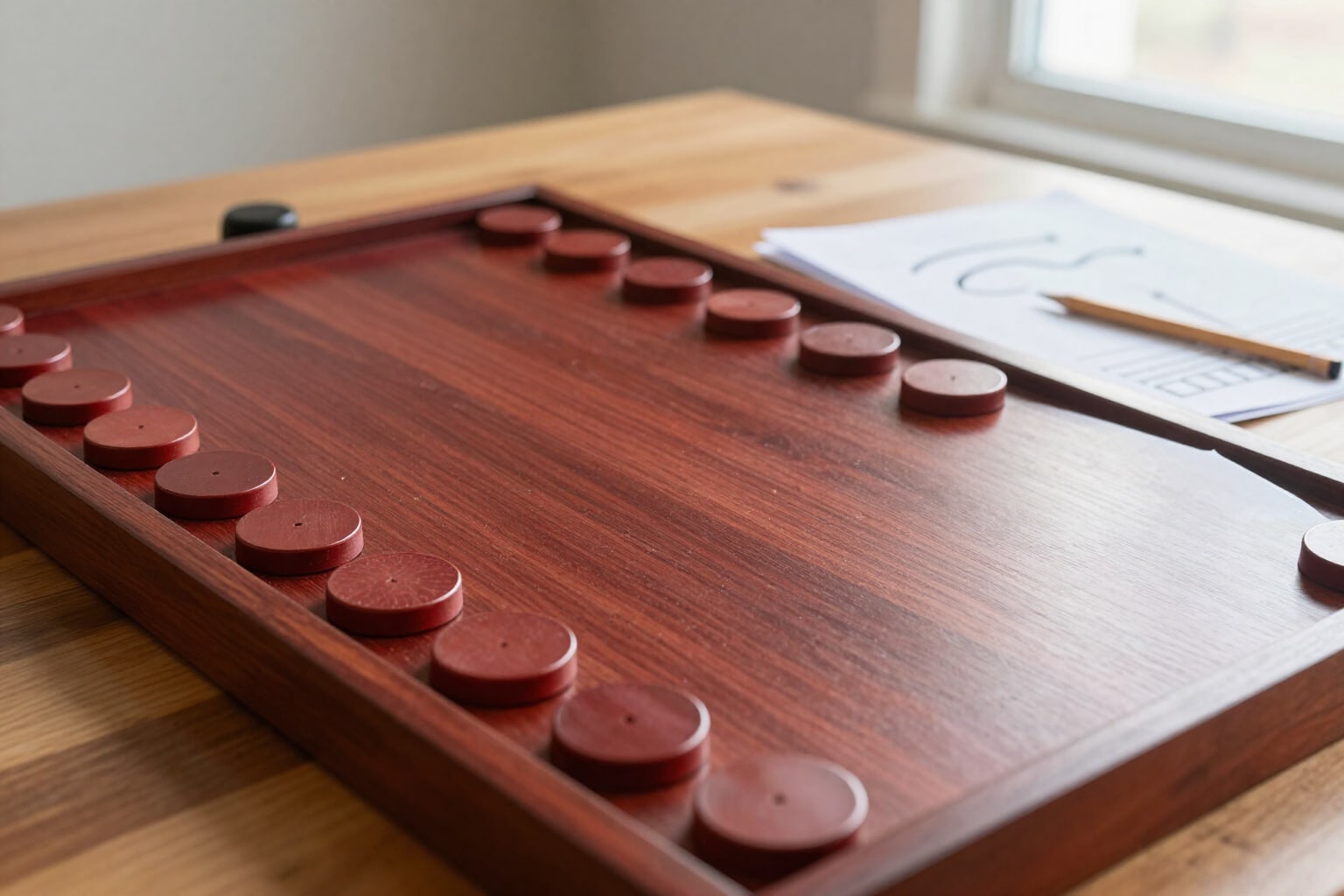
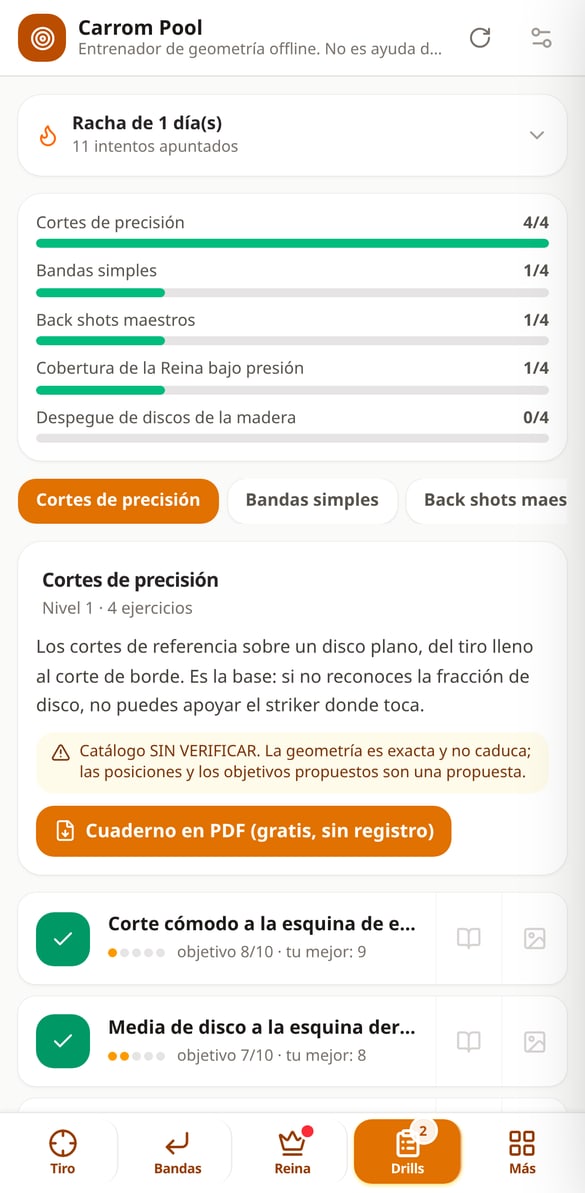
Printable Carrom Drill Workbook in PDF (Free)
Generate a free printable A4 PDF with carrom drills: vector board diagrams, hint and most common error per drill, success sheets, and a log sheet. No registration.
Try it free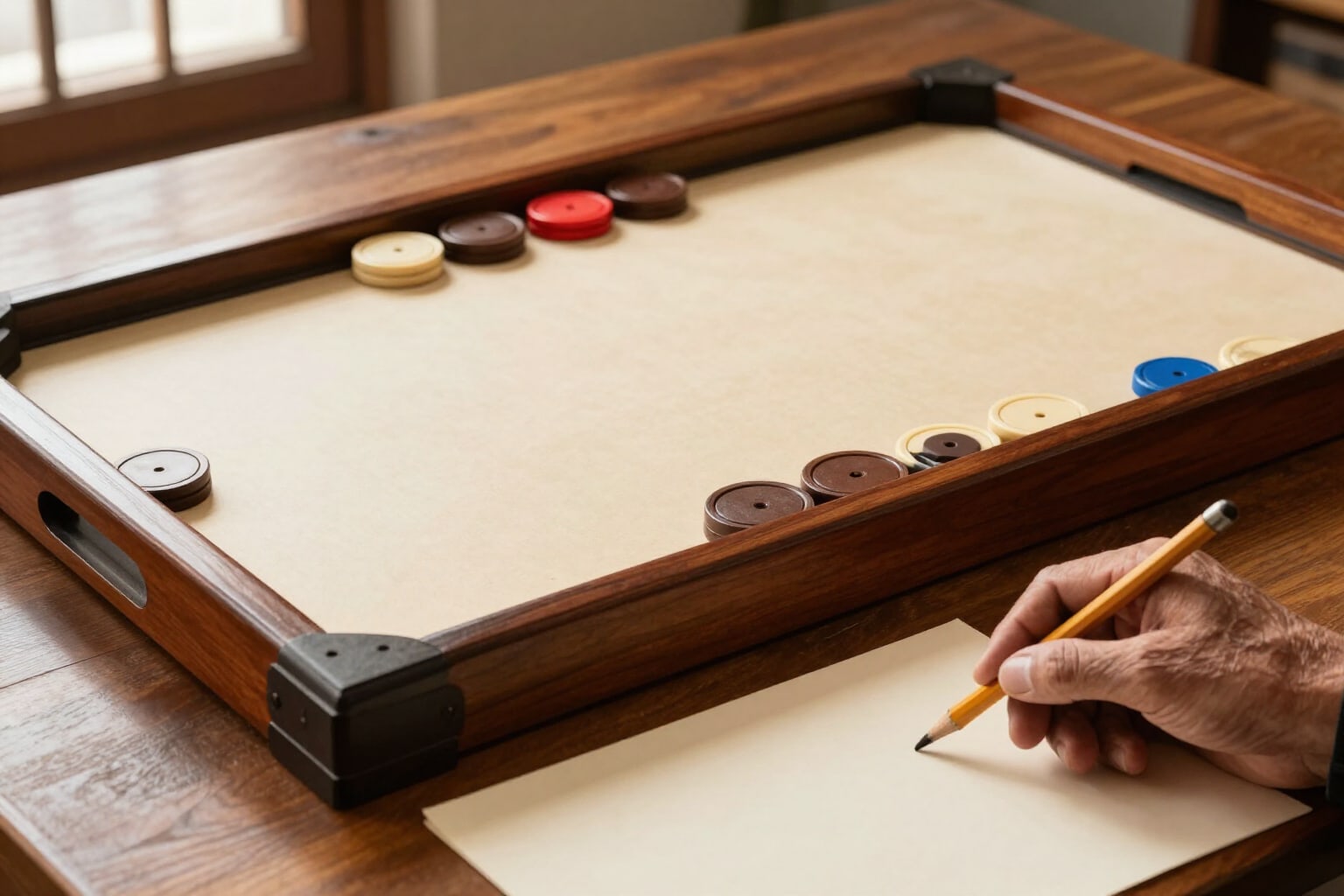
AI Coach for Carrom Pool: Tactical Diagnosis of Your Shot
An AI coach explains the Carrom Pool shot that geometry has already solved: what's happening, what he would do, whether to attack or defend, and the lesson. No invented figures.
Try it freeFlat-disc geometry, not billiards in disguise
Skins, banners and shields, server kit, 36 command recipes verified with their version and 8 geometric figures with pixel art on an 84-block grid. What can be calculated is calculated: nothing depends on a model getting it right.

Where to place the striker, with its window
The star feature. The app walks every legal position on your base line and paints the green bands that solve the shot, the optimal placement and its width in millimetres of board, referred to something you actually see in the game: «12 mm from the left base circle». If there are two routes, it paints both. And between a pretty angle with three millimetres of margin and a worse one with fourteen, it recommends the second.
Rails, back shots and stuck discs
When there's no direct shot there are routes, and here they come calculated on your position, not in someone else's video. Routes off one rail and, if none of them work, off two, with the impact point referred to the centre circle; the back shot —direct and off the rail— and the power the game's bar is asking for. If a disc has ended up hugging the rail, the app spots it on its own and weighs a fine cut, the opposite rail and knocking it loose, telling you why it rules out the others.
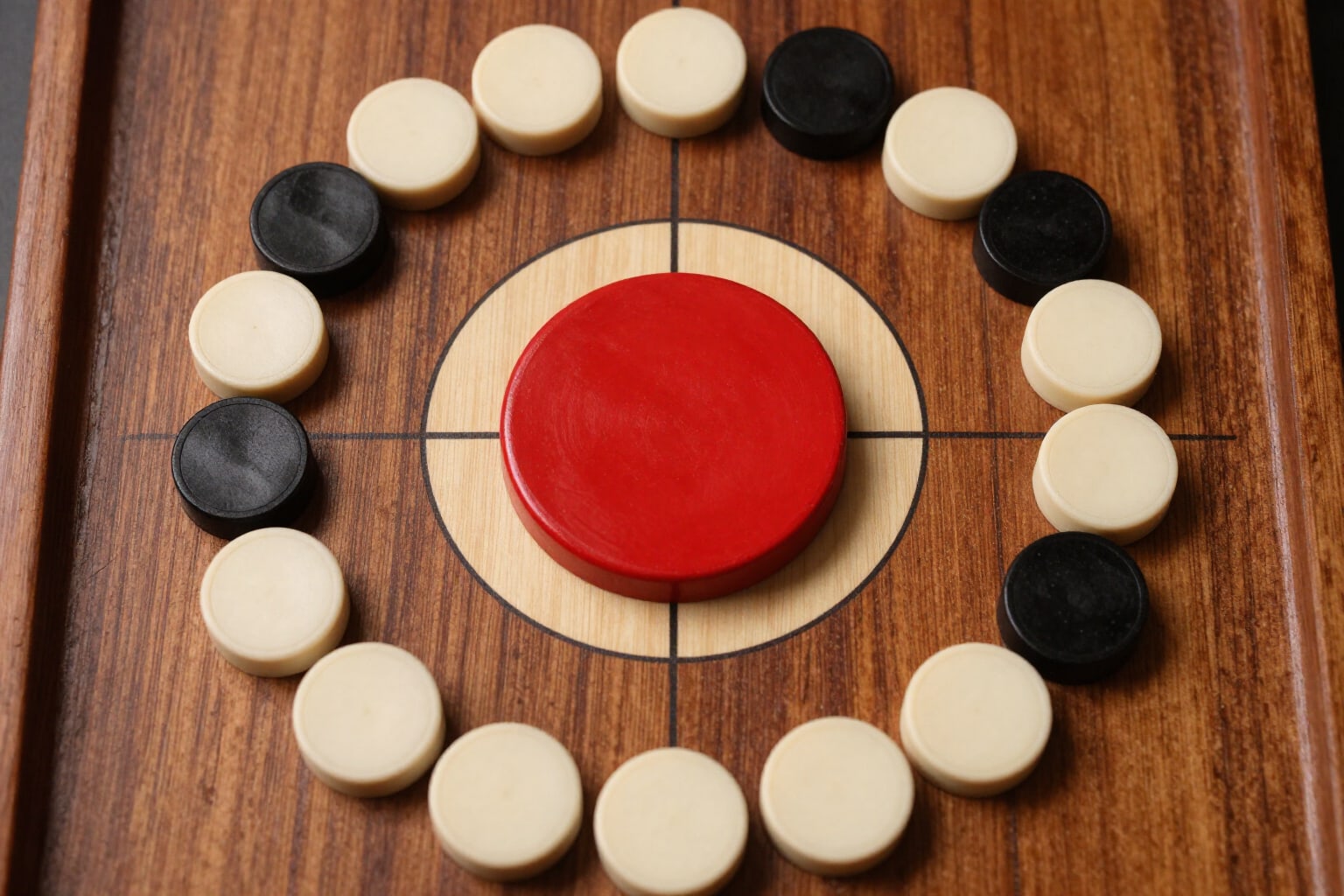
The Queen, pocketed and covered
Pocketing the Queen without covering her is giving away your turn and putting her back on the board. The app chains the two shots: the Queen shot and the cover shot, with the exact disc that will do the job, in both scenarios —same turn or the next one— and with a traffic light that says pocket and cover, high risk or wait. On red it never leaves you with a plain no: it names the disc you should clear first.
Three steps and your shot is solved
Open the studio you were looking for
You land directly in the tool, with no welcome screen or registration wall. Designing banners and shields, writing the MOTD, generating server names, browsing the command catalogue and calculating blueprints and materials doesn't require an account.
Adjust and see the preview
Every adjustment recomposes the result instantly: the blueprint layer, the banner layer stack, the MOTD line width or the skin model. No waiting, no cost.
Download the file or copy the command
Create your free account to download the skin, the icon or the printable sheet and save your creations with their parameters, so you can reopen them and change a detail.
Frequently Asked Questions
Train the board, not your luck
Sign up for free to download your files and save your creations with their parameters. What's free today without an account will stay free.